Use Timing, Not Panic Input
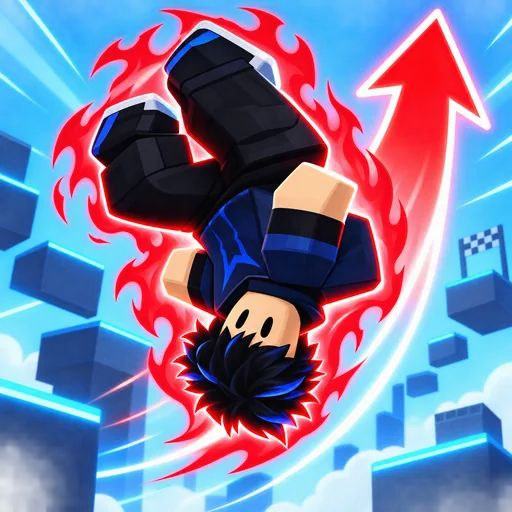
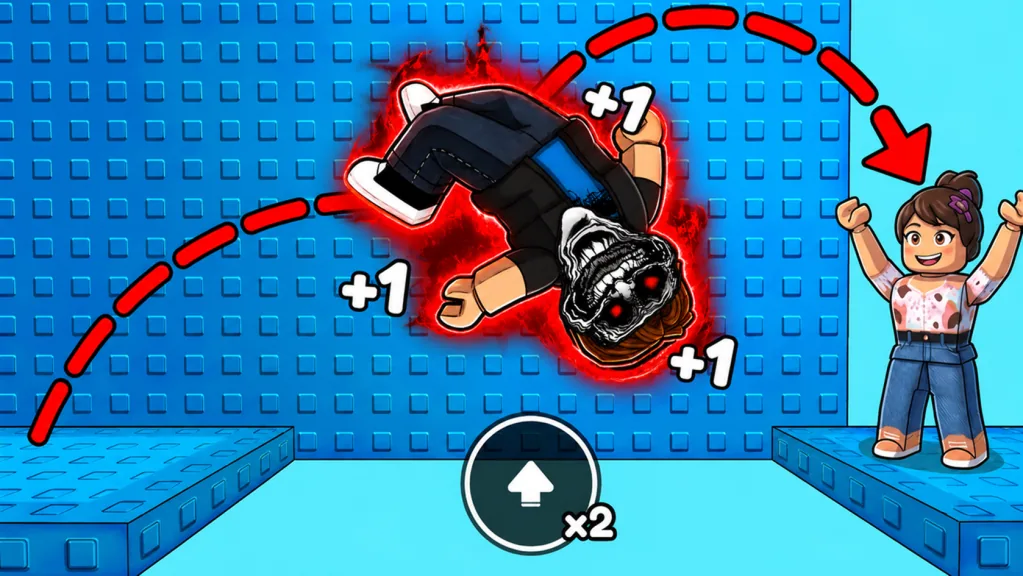
Beat the +1 Backflip Phonk Escape jump challenge with one stable sequence: see the landing, line up its center, use a familiar approach, jump once, and settle. The tutorial tells you to repeat the jump input to backflip, and every backflip officially grants +1 Speed. Faster input still will not fix every gap.
Use the jump control displayed by your current Roblox client and follow the instructions shown in game. Keyboard, mobile, and controller prompts can differ.
Separate Backflip Training From Course Jumping
Backflips grow Speed and the Jumps current/required meter. Course jumping turns that power into distance. If you keep training while trying to line up a landing, expect more overshoots.
Train in the hub when you need more reach. On a narrow course platform, stop adding input simply to raise a counter. Choose a landing first.
| Goal | Where to practice | What to watch |
|---|---|---|
| Build Speed | Open hub or intended training area | Speed and Jumps progress |
| Learn stopping distance | Broad path | Release point and slide distance |
| Judge a gap | Safe course approach | Near edge, far edge, center line |
| Improve landing | Familiar platform | Touchdown point and side drift |
| Test an upgrade | Same route and run-up | One variable at a time |
Read Every Gap Before Moving
Classify the next jump:
- Broad landing: prioritize distance, then use the extra width to learn stopping.
- Narrow landing: prioritize center alignment and early release.
- Elevated block: keep the top visible and avoid jumping from a bad camera angle.
- Offset platform: rotate on the current platform, settle, then start the approach.
- Hazard crossing: identify where the safe surface begins and ends before accelerating.
The course includes open gaps, narrow platforms, elevated blocks, lava, spikes, bright hazard floors, doors, and red-arrow cues. The layout can change, but the same reading skills still work.
A Four-Step Timing Drill
Step 1: Mark the takeoff. Pick a visible point on the current platform.
Step 2: Aim through center. Your movement line should cross the middle of the landing, not clip its corner.
Step 3: Use one known approach. Do not alternate randomly between standing and long running jumps.
Step 4: Read the miss. Short means distance; long means release timing; sideways means alignment; blind means camera.
Repeat the same geometry twice after a successful correction. One lucky landing does not mean you have the timing down.
Control Speed With Evidence From Your Run
When you fall, diagnose before training.
| Result | Next adjustment |
|---|---|
| Avatar cannot reach the near edge | Slightly extend the approach or make a small progression change |
| Avatar crosses the platform and falls | Shorten the run-up or release earlier |
| Avatar lands beside it | Recenter the starting position |
| Avatar lands, turns, then falls | Wait before the next input |
| Target leaves the camera | Reset the view before takeoff |
The game does not show a numeric formula for ideal course handling. Keep Shoes, Trails, training lanes, and Rebirth progress fixed while testing one jump.
Double Jump: Verify Before Depending on It
Double Jump appears in the official tag list. Check the live UI for its unlock condition, behavior, and input before building a route around it.
Practice ordinary landings first. If Double Jump is visibly available, test it in a safe area and learn what the current build actually allows. Do not assume an input mapping from another platform or Roblox game.
Camera and Landing Alignment
Camera setup is part of the jump. Keep enough of the landing visible to judge its far edge. On a narrow platform, approach along its longest dimension. On an elevated block, raise the view before takeoff, then avoid a sharp turn at touchdown.
Other players and bright Trails can briefly hide the target. Waiting for a clear view is faster than restarting after a blind jump.
Recover After a Miss
The official description warns that a wrong move can return you to the start. The failure screen can also display a timed Revive? Teleport Back? premium offer, but the label does not name the exact return point.
Restart freely during practice and repeat the failed geometry. If you consider a premium recovery late in a run, read the current destination and price before choosing it. A countdown is not proof of a checkpoint.
Common Jump Challenge Mistakes
- Adding Speed when the real problem is side alignment.
- Spamming input on a small landing.
- Copying another player’s takeoff with a different setup.
- Depending on Double Jump before confirming it is available.
- Guessing device-specific controls instead of reading the current UI.
- Rotating immediately after touching an elevated block.
FAQ
How do I beat the +1 Backflip Phonk Escape jump challenge?
Use a repeatable approach, align through each platform’s center, jump once, and settle before choosing the next target.
Does every backflip add Speed?
Yes. The official game description states that every backflip gives +1 Speed.
Should I always train more Speed after missing?
No. Train more only when you land short. Correct release timing for overshoots and alignment for side misses.
How do I use Double Jump?
Check the live ability UI for the unlock and input, then test Double Jump in a safe area.
What controls should I press?
Use the jump control displayed by your current Roblox client. Do not rely on unsupported keyboard, mobile, or controller mappings.