
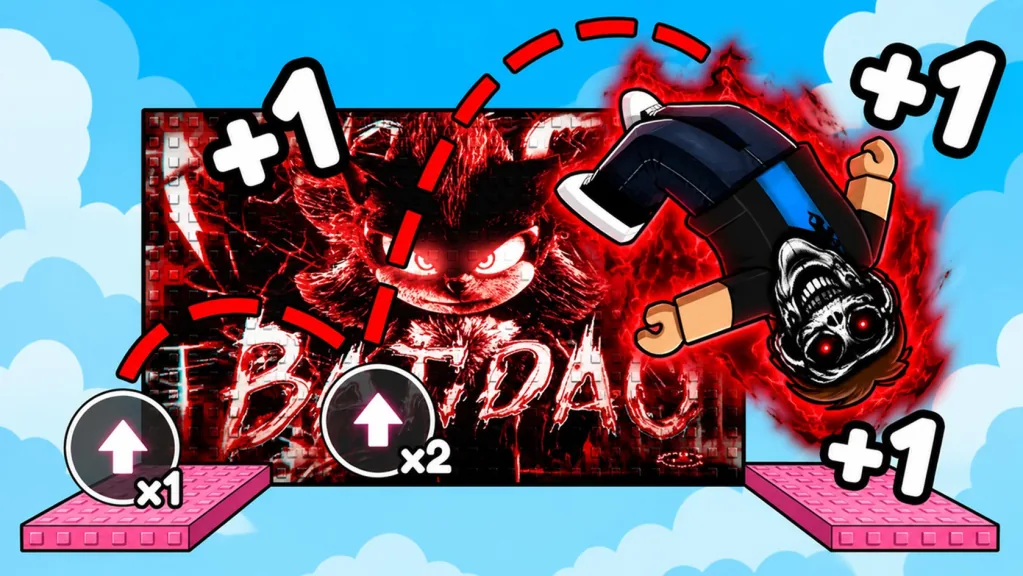
A bright flame or trail does not automatically mean an Aura gives a stat bonus. Open the item panel and use the name, category, and effect printed there. If the game only shows a visual, treat it as a visual until a stat description or a simple test proves more.
Recognize an Aura without guessing
Aura and Aura Effects are part of the game, and characters can show colored flame-like effects. Color and particles cannot tell you the exact item name, rarity, or benefit.
Open the inventory, equipment, shop, reward, or progression menu that contains the item. Copy the name as the game displays it. If the menu calls it a trail, do not relabel it as an Aura. If no name is visible, describe only what you can see.
This keeps trails, flames, and other cosmetics from turning into one made-up Aura list.
Separate visual effects from stat effects
| Type | What counts as confirmation |
|---|---|
| Visual effect | Equipping the item adds its color, particles, flames, or trail. |
| Gameplay effect | The item panel states a bonus, or a controlled counter test confirms it. |
An Aura can look impressive without changing a stat. Some trail-like items have displayed Speed Boost labels, but that does not prove all Auras boost Speed or that a trail and an Aura are the same item type.
Test a claimed bonus safely
If the description lists a bonus, compare the item on and off. Unequip it if the menu allows that, then note Current Speed and any other relevant counter. Perform a short, repeatable action. Equip the Aura and repeat the same test.
Keep your Shoes, Level, training lane, and event conditions the same. Otherwise, another system could cause the difference. Run the comparison again if the first result is hard to read.
You do not need to uncover the game’s full formula. You only need to see whether the item behaves as described in your current server.
Evaluate an Aura for your goal
Choose a cosmetic Aura for the look you enjoy. If it has a stated bonus, compare that effect with what you are doing next. A training bonus can help during backflips or treadmill sessions, while a course still demands careful movement.
If an effect changes your Speed, try it on a familiar gap before a full run. Shorten the approach if you start overshooting. Do not rank Auras by particle size, color, or a guessed rarity. Compare the requirements and effects shown in the menu.
Handle updates and missing information
Open the panel again after a major update. Item names, prices, tiers, locations, and bonuses can all change. If the visual stays the same but the description changes, follow the new description.
When an old bonus disappears from the panel, test it again before repeating the claim. If an item gets a new name, update your notes so you do not count it twice.
Build a reliable Aura record
For each Aura you obtain, note its exact name and the category shown in the menu. Add the visible color or effect, its access requirement, and the exact bonus text if one exists. Recording when you checked it will also help after an update.
This small list separates what you saw from what you assumed. It also tells you which details need another look when the game changes.
Use Auras within the larger progression loop
Auras are only one part of your account. Backflips build Speed, Levels track progress, escapes award Wins, and Rebirths can open stronger training lanes. Do not drop those reliable systems to chase an Aura method the game has not explained.
Enjoy the visual effect right away. Only treat it as a gameplay boost after the current game shows you one.
FAQ
Do all Auras give a Speed bonus?
No. Check the current item description and test the relevant counter if it lists a bonus.
Are trails and Auras the same thing?
Do not assume they are. Use the category and name shown in the item menu.
Which Aura has the best effect?
Compare the requirements and effects of the items you can inspect. Any permanent ranking will become outdated when the items change.
Can I identify an Aura by its color?
Color describes how it looks, but it does not prove the name, rarity, or bonus.
How do I know if an Aura changed after an update?
Reopen its panel, read the description, and repeat an on-and-off test for any gameplay effect.